01 / AUDIO TOURS
A voice to guide the visit.
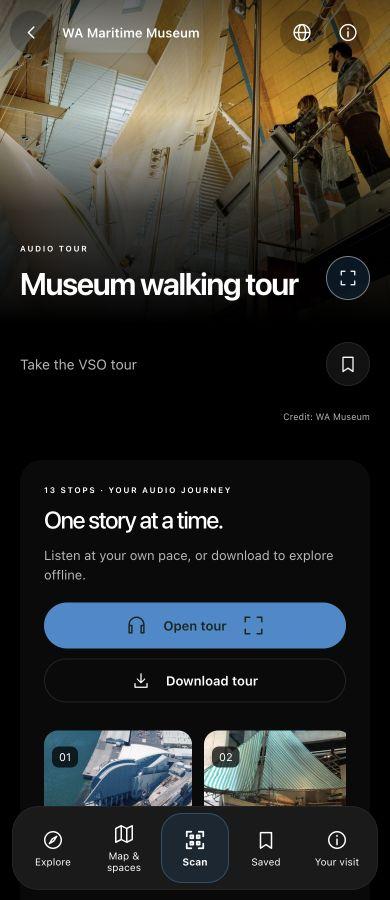
Self-paced tours with audio, images, transcripts and stop navigation. Visitors can minimise the player and keep listening as they explore.
Play the interface walkthroughEXPPD Digital Guide
The platform at exppd.com
Your place. Your stories.
Their own phones.
Bring your stories to life. Audio tours, collection stories and discovery trails give visitors a deeper connection to your place, in a digital guide that feels like your own.
Audio tours, stories & discovery trailsPlans from A$75/month + GST01 / Stories & visitor experiences
The people, voices and details behind the collection. Weave objects, sound, images and film into stories visitors can follow at their own pace.
01 / AUDIO TOURS
Self-paced tours with audio, images, transcripts and stop navigation. Visitors can minimise the player and keep listening as they explore.
Play the interface walkthrough02 / DISCOVERY TRAILS
Clues to follow, objects to find and stories to uncover. Give families and school groups a different way to explore, with progress saved on their device.
Play the interface walkthroughBring objects, people and places into focus with articles, photographs, audio, video and related stories. Keep events and what’s on alongside the collection.
Find something specific, browse by content type and save favourites for later. Saved items and discovery-hunt progress stay on the visitor’s device.
Give a temporary or travelling exhibition its own guide, or make it part of a host venue’s experience. Exhibition publishing and host setup are configured with your team.
Open a venue, gallery, object or story straight from a label, QR code or website. Visitors can also discover participating places through the directory at exppd.com.
Offer automatic text translation when enabled for your venue. Visitors choose their language; audio stays in its original language. Translation needs a connection.
Set the tone with your venue’s identity, introduction and cultural acknowledgement. Welcome and language onboarding can be configured for each venue.
More than a visit
A voice aboard a ship. The history behind an object. Give visitors a way into the stories, right where they’re standing.
Create your guidePhotography © Western Australian Museum. Used with permission.
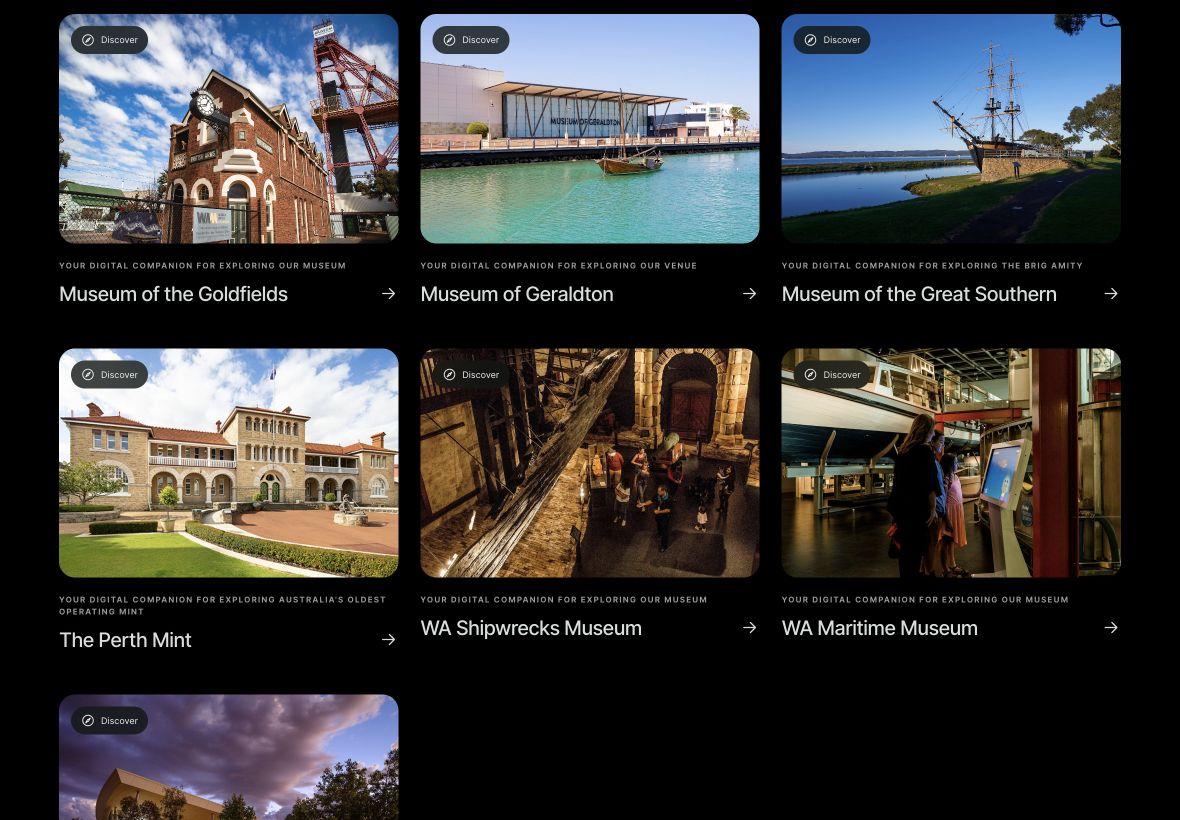
One guide on the EXPPD platform
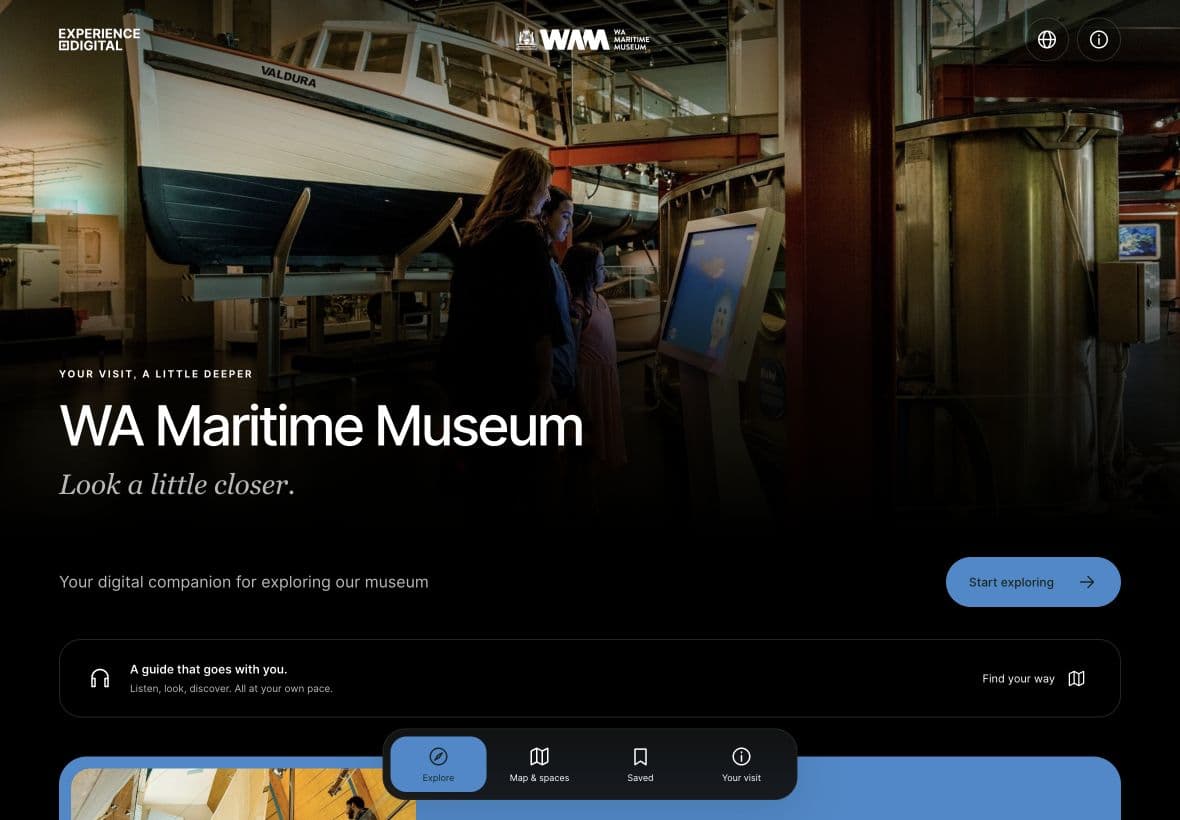
One example from exppd.com: see how the museum’s guide brings together a walking tour, collection stories, gallery spaces and discovery trails.
This is the museum’s live visitor guide, with its current content.
Scan the code, or open
exppd.com/wamm ↗
02 / Maps & walking directions
Connect your stories to the places around them. Interactive maps help visitors find galleries, buildings and objects, then follow a walking route through your venue.
Explore site and floor plans, switch floors and open the places or objects connected to each map.
Visitors select a starting place they recognise, then request directions to their chosen destination.
Show the walking route and ordered instructions, with floor changes for connected spaces where configured.
Maps and directions are configured for each venue. Walking paths need to be published and checked; step-free choices depend on confirmed paths. Route calculations need a connection.
Made for the way people visit
Save an audio tour, its text and images to the same browser for offline listening. Downloads need to finish first; videos and external links still need a connection.
Minimise the player and continue exploring the guide while the audio plays. Pause, seek, change playback speed or jump to a different stop.
Read supplied transcripts and return to saved discoveries. Visited pages and maps can also be retained on the device, subject to browser storage.
03 / For your team
Build the experience, then keep it current.
EXPPD CMS brings your stories, media, tours and venue branding into one place. Edit content, preview changes and publish updates as your venue evolves.
Ask for a CMS walkthroughSee the publishing tools in the EXPPD CMS overview.
Your branding, welcome and content within a guide that feels like your place.
Manage stories, media, tours and galleries in EXPPD CMS, with preview and publishing tools.
Link places and objects to maps, then configure and check walking paths for your venue.
Connect your venue’s Fathom analytics to follow guide page usage. We’ll discuss the setup and account requirements with you.
Temporary and travelling exhibitions can have their own guide or appear within a host venue’s guide. Exhibition content, dates and host access are configured with your team.
04 / Getting started
A first tour, one exhibition or a wider venue guide. We’ll discuss a manageable starting point and the support your team needs.
01 / Self setup
Configure your venue, add your content and publish your guide in EXPPD CMS. Every subscription includes online and phone support.
Your chosen monthly subscription still applies.02 / Managed starter
One venue, your branding, one 10-stop audio tour, 20 objects, one scavenger hunt and five zones. We record your visitor services officer’s tour, then edit and upload it into the guide.
Includes one review round and one handover session. Monthly subscription additional; travel, additional capture, content and custom work quoted separately.The voices behind your stories
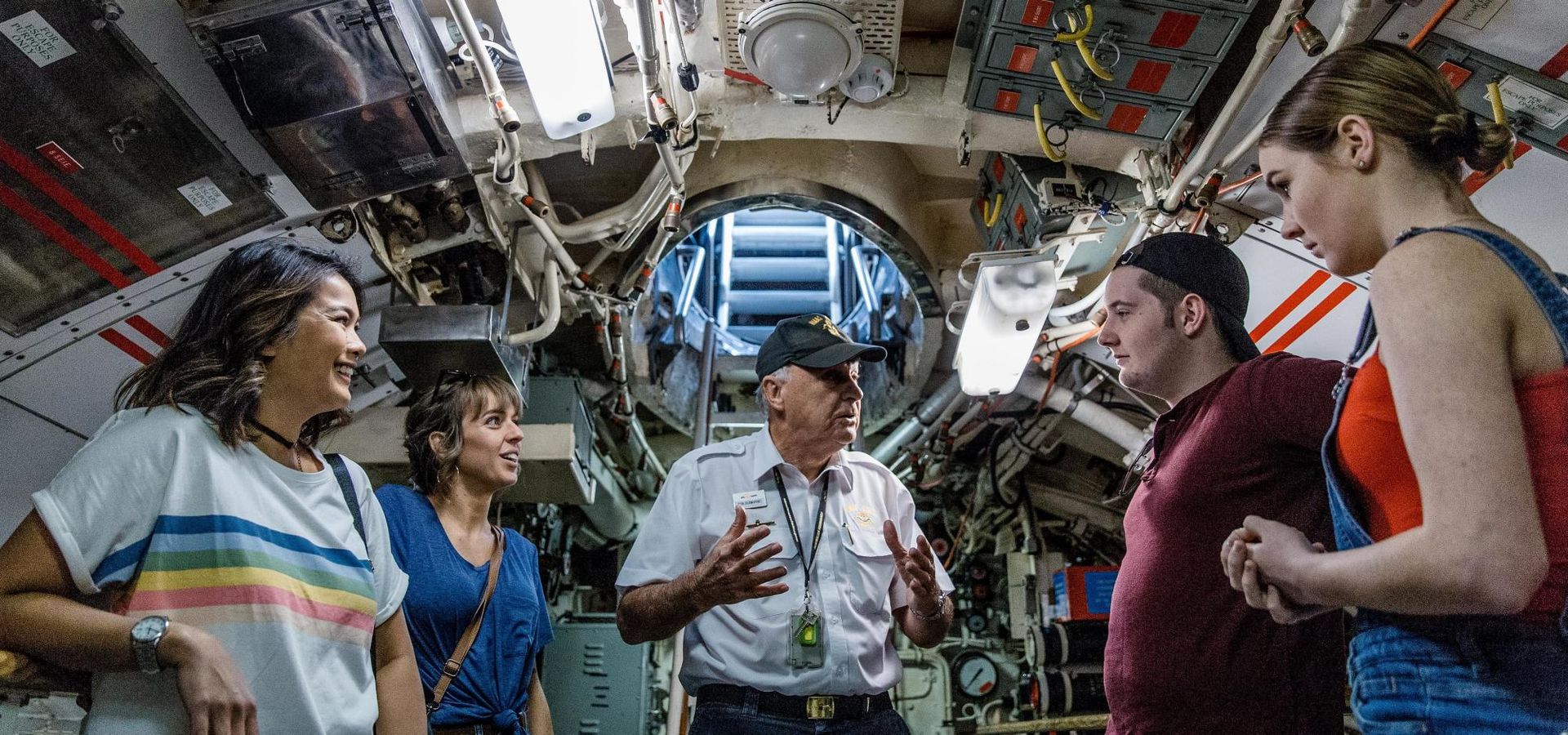
With managed setup, we record your visitor services officer’s tour and shape it into audio stops. Your team’s knowledge becomes something visitors can explore at their own pace.
Share your existing material and ideas. For managed setup, your visitor services officer’s tour is the starting point for the audio guide.
Plan the capture visit and agree the stories, objects, hunt and zones. Confirm any travel or extra work, responsibilities and a realistic launch schedule.
For managed setup, we edit and upload the agreed content, review it with you and hand over the guide. Your team can then keep it current in EXPPD CMS.
Led by Danny Murphy, former Digital Manager at the Western Australian Museum, with more than 20 years in digital strategy, design and development.
Meet Danny ↗Clear monthly pricing
All plans include a single venue, unlimited objects and experiences, and online and phone support. Prices are in Australian dollars, excluding GST.
A$75/ month + GST
Up to 500 weekly venue visitors
A$150/ month + GST
Up to 1,000 weekly venue visitors
A$300/ month + GST
More than 1,000 weekly venue visitors
Tell us about your typical attendance and seasonal peaks. We’ll confirm the appropriate plan with you before you subscribe.
Self setup has no setup fee. Managed setup is A$2,500 + GST once-off, in addition to your subscription. Travel and work outside the package are quoted separately.
Confirm your plan, setup arrangements and subscription terms before continuing. The checkout below is for the recurring guide subscription.
Before you decide
No. Visitors open the guide in their phone’s browser using a link or QR code.
The guide supports text, images, audio and video. Bring examples of your existing material to the initial discussion so we can identify what is ready to use and what may need adapting or importing.
Choose self setup with no setup fee, or managed setup for A$2,500 + GST once-off. Managed setup covers one venue, branding, one 10-stop audio tour recorded with your visitor services officer, 20 objects, one scavenger hunt and five zones, with one review round and a handover session. Travel and additional work are quoted separately. The monthly subscription applies in either case.
Visitors can explore published floor or site maps, find mapped places and objects, and request a walking route where your venue’s paths and arrival points have been configured. They choose a starting location manually; this is not indoor GPS. Step-free options are offered only for venue-confirmed paths. Directions need an internet connection, and measured distances are shown only where suitable measurements are available.
Visitors can download audio tours, including their audio, text and images, before exploring. A download must complete while online and stays in the same device and browser. Visited pages and maps may also be retained in browser storage. Videos, external links, automatic translation and walking-route calculations need a connection. Browser storage limits or clearing can remove saved content; changed tours need to be downloaded again.
Automatic text translation can be enabled for your venue. It needs an internet connection and does not translate recorded audio. We’ll discuss your language and content requirements as part of setup.
Each listed plan covers a single venue, unlimited objects and experiences, and online and phone support. Self setup has no setup fee. Managed setup and work beyond its agreed scope are charged separately from the subscription.
Plans are based on weekly visitors to your venue, rather than the number of guide users. If attendance varies, bring your usual figures and seasonal peaks to the discussion so we can confirm the appropriate plan before you subscribe.
That depends on the amount of content, what you already have, and the support you need. A single exhibition or tour is a useful starting point. We’ll agree a realistic scope and launch schedule with you.
Ask for the current subscription terms, billing arrangements and any setup charges before subscribing. These should be confirmed alongside your venue’s proposal.
Yes, we can discuss a rollout across multiple locations. The plans shown here are for one venue; contact us about a wider project.
Let’s talk about your venue
Tell Danny what you have in mind. We can discuss the guide, the content you already have and the help you need to get started.
You don’t need a finished brief.